



How to create a proposal from an existing template
Starting from a template means your structure, wording and pricing are already in place. You only change what’s different for this client.
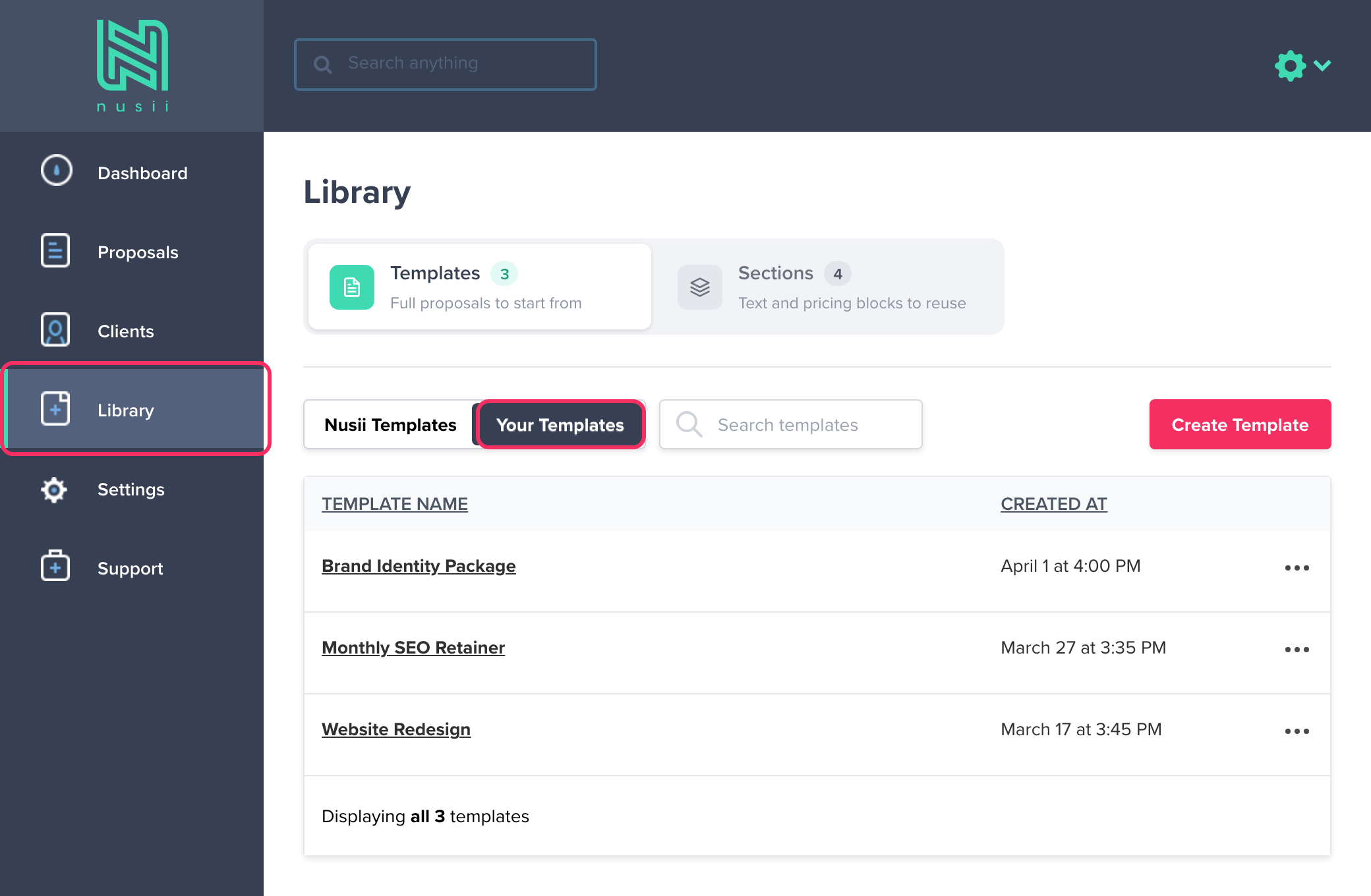
Click Library in the left-hand menu. The Templates tab opens. Choose Your Templates for the templates you made, or Nusii Templates for our ready-made ones, then click the template you want to use as a starting point. This opens the template.
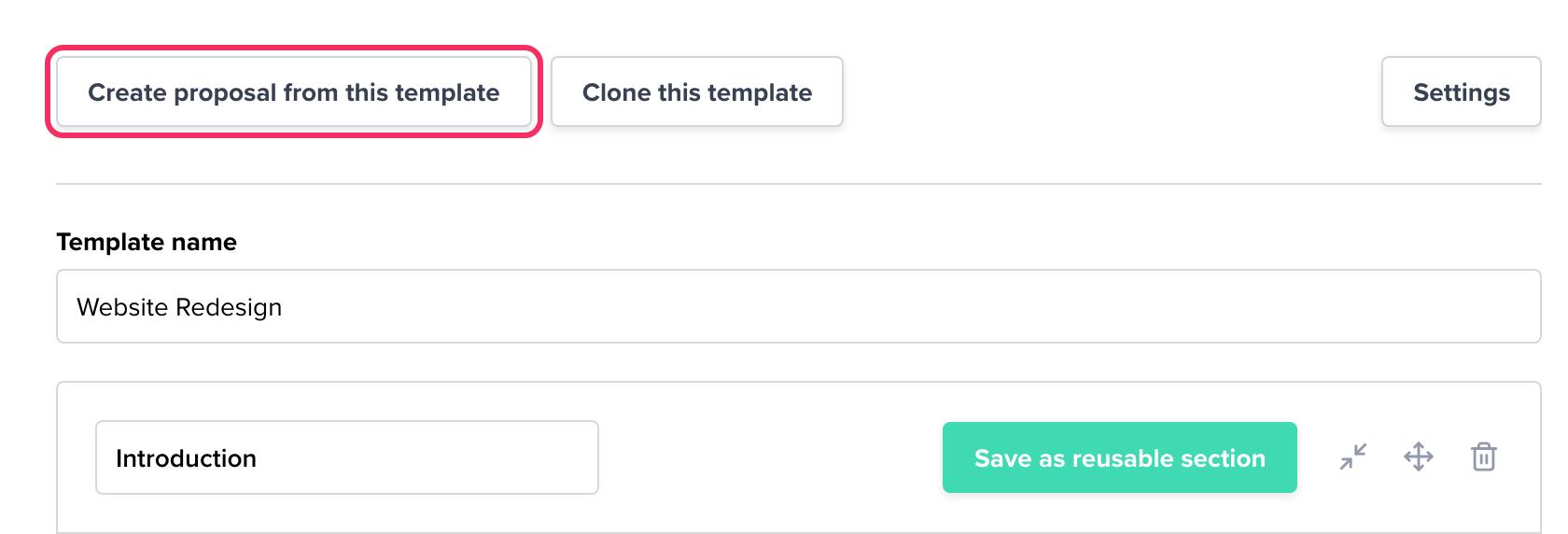
Click the Create proposal from this template button at the top.
This takes you to the proposal edit screen, where you can begin work on your new proposal.
You can also pick a template when you create a proposal: click Create Proposal and choose a template in Step 2 - Select a template.
Related Articles
If you have any questions, just ping us below. We’ll be happy to help!