



How to clone a proposal template
Cloning a template gives you a copy you can change without touching the original. It’s a quick way to make a version of a template for a different service or client type.
Clone a template from the editor
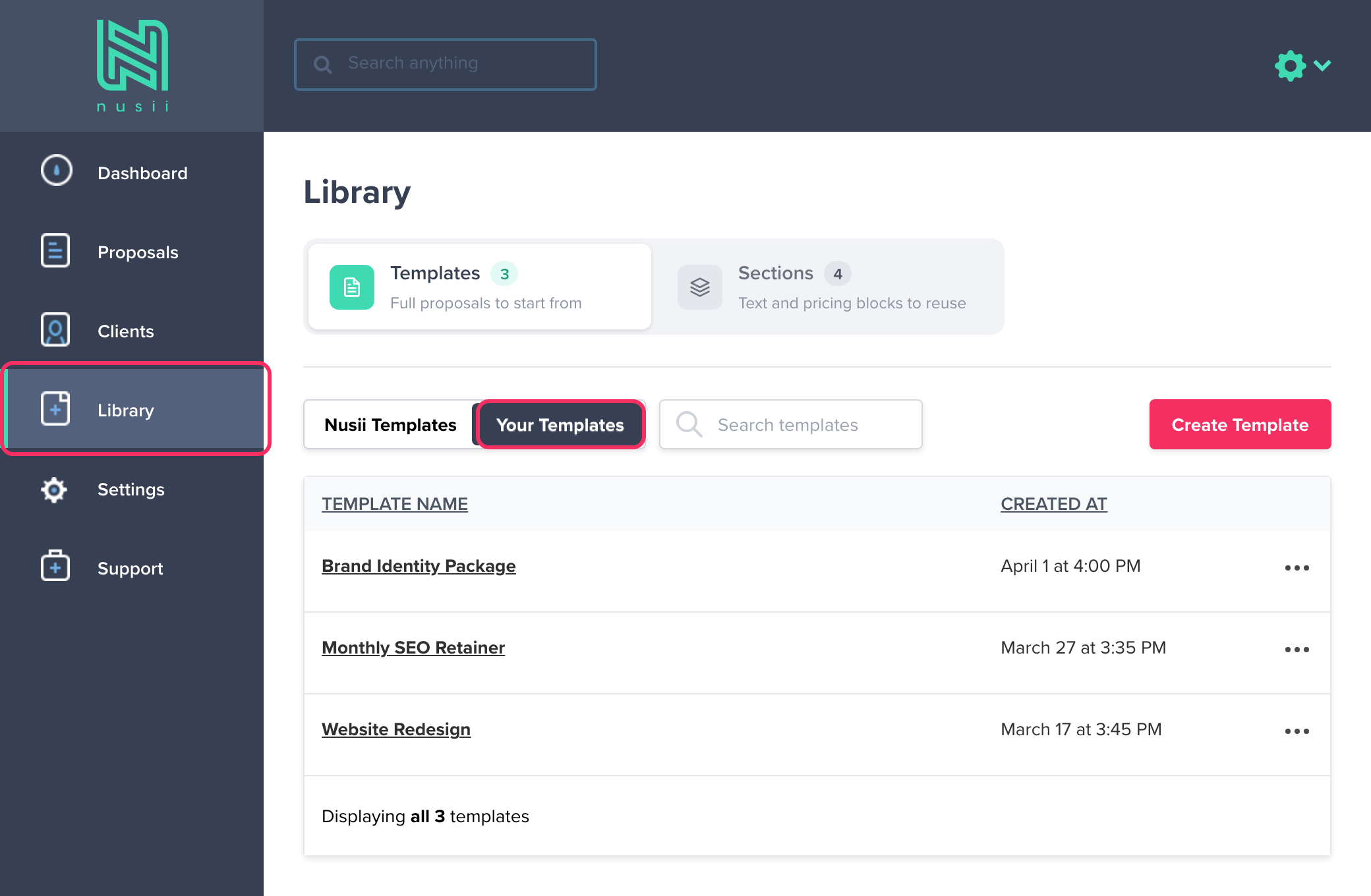
Click Library in the left-hand menu. The Templates tab opens. Switch to Your Templates if you want one of your own templates, then click the template you’d like to clone.
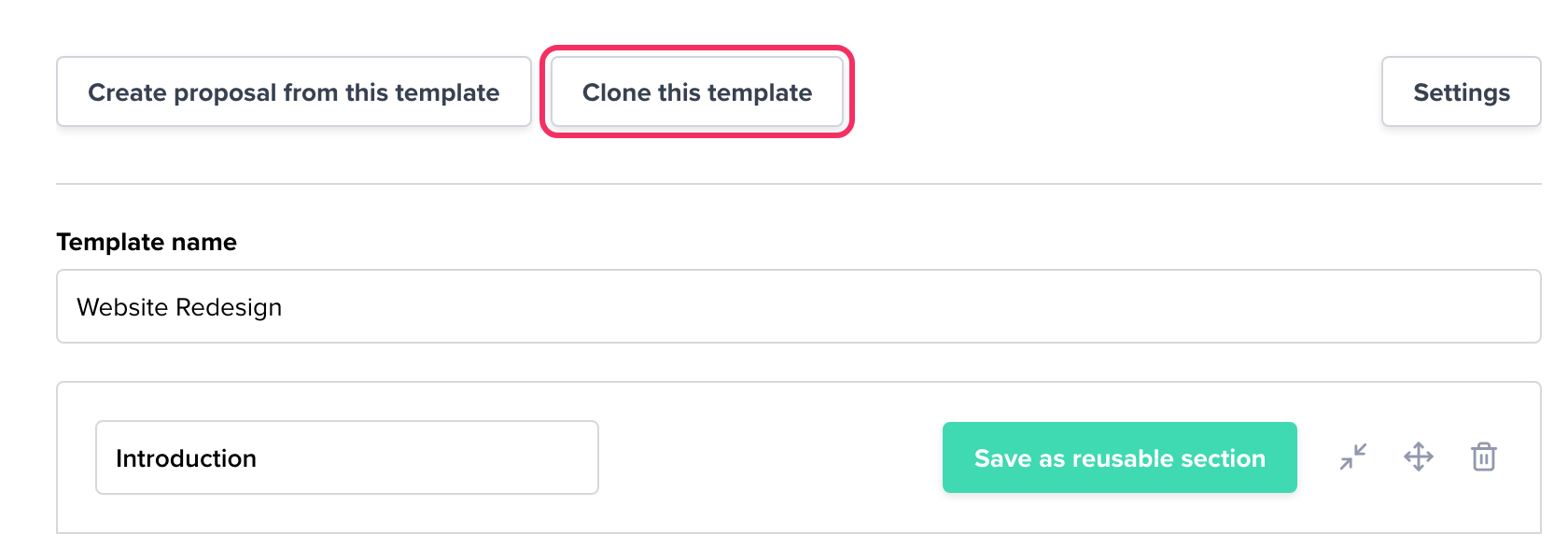
This opens the template in edit mode. Click the Clone this template button at the top.
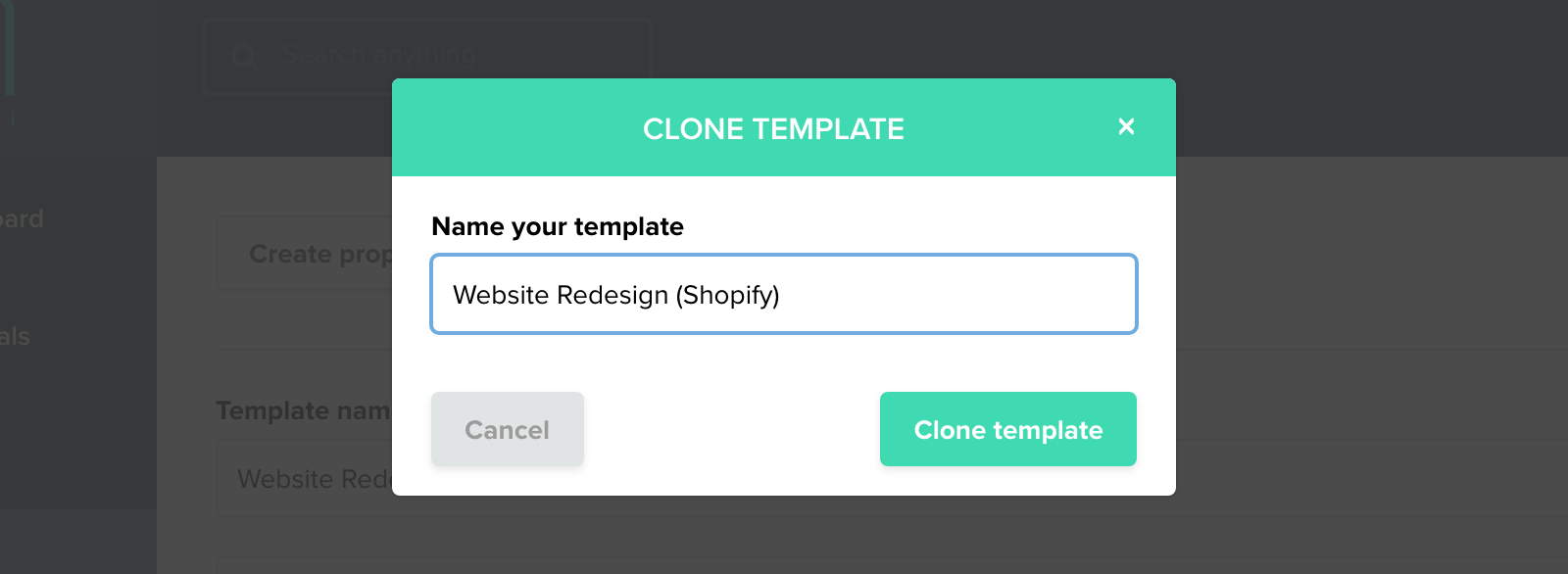
A pop-up asks you to name the new template (Name your template). Type a name and click Clone template. That’s it, you’re all done!
Clone a template from the list
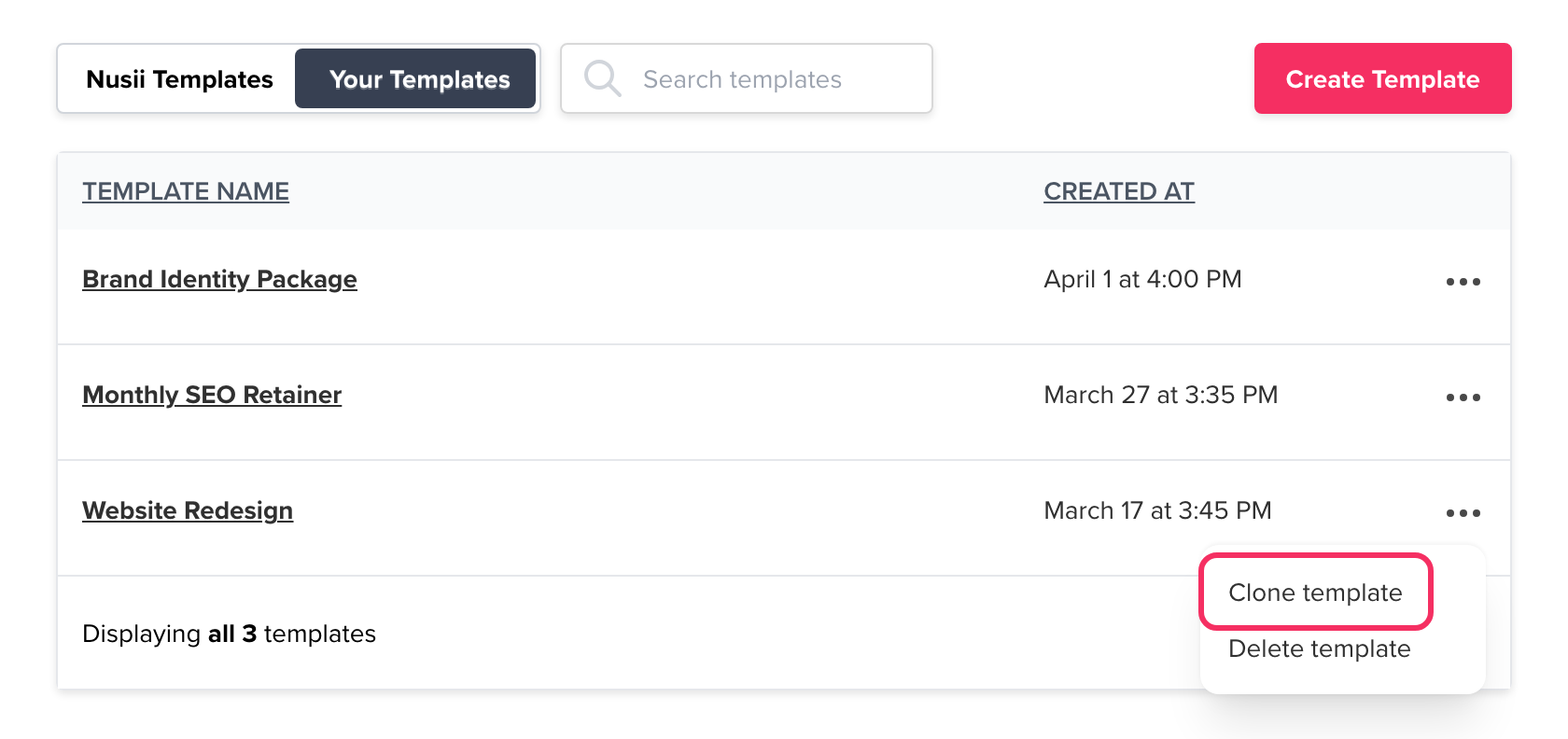
You can also clone a template without opening it. In Library › Templates, click the … menu on the template and choose Clone template.
Related Articles
If you have any questions, just ping us below. We’ll be happy to help!