



How to change your proposal fonts
Your proposals use two fonts: one for headers and one for body text. You choose both in your branding settings, from a set of 12 handpicked fonts.
Change your fonts
- Go to Settings and click Branding.
- Under Headers, pick the font for your headers.
- Under Body text, pick the font for the rest of your text.
Your choice saves straight away.
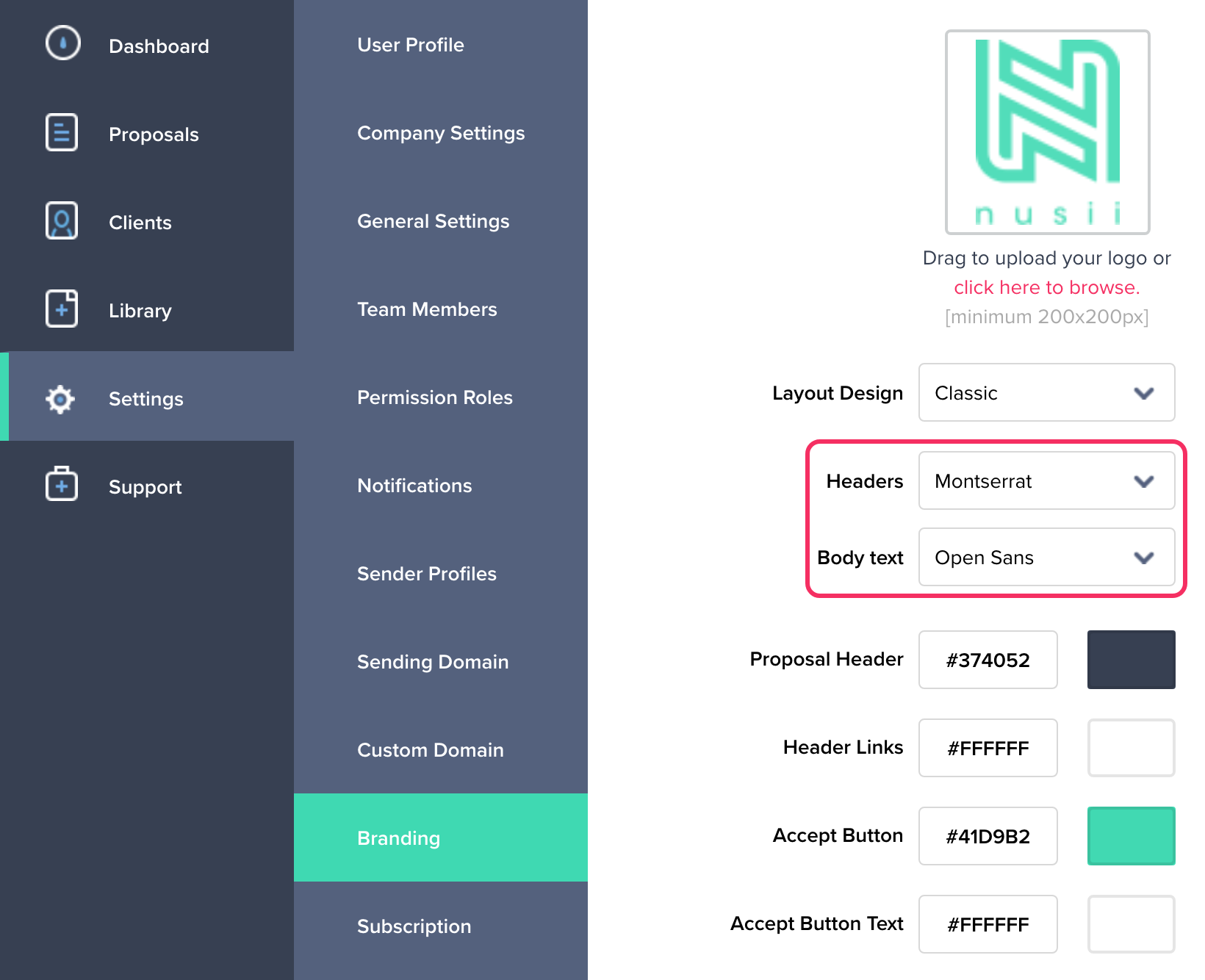
Where each font is used
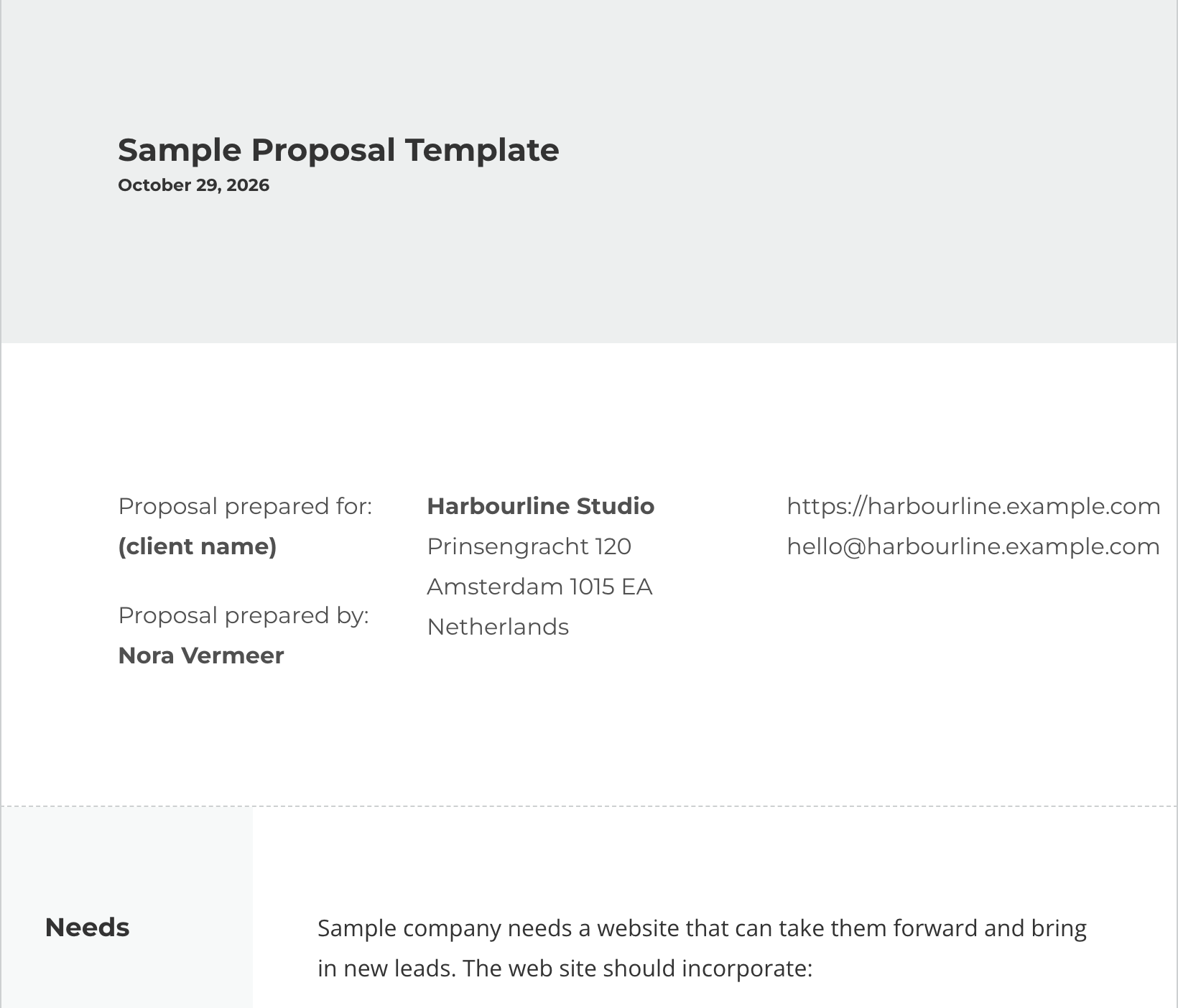
- Headers: the bar at the top of your proposal, the cover page and your section titles.
- Body text: everything inside your sections, like paragraphs, lists, links and pricing.
The preview next to your branding settings shows the result straight away. Here the headers use Montserrat and the body text uses Open Sans:
Fonts are set for your whole account, so every proposal uses them, on the proposal page and in the PDF.
Available fonts
Proxima Nova (the default), Open Sans, Roboto, Roboto Condensed, Montserrat, Poppins, Lato, Source Sans Pro, Bai Jamjuree, Archivo, RocknRoll One and Rock Salt.
To go back to the default, choose Proxima Nova (Default).
Related Articles
If you have any questions, just ping us below. We’ll be happy to help!