



How to get a proposal signed with multiple signatures
Once you’ve created a proposal in Nusii, getting it signed by several stakeholders is straightforward. You send the proposal to everyone involved and choose who needs to sign. Multiple signers are available on the Business plan.
Navigate to the Proposal Preview and click Send Proposal.
Click on Preview Proposal to do a final check to make sure the proposal is correct. When the proposal is good to go, click Send Proposal
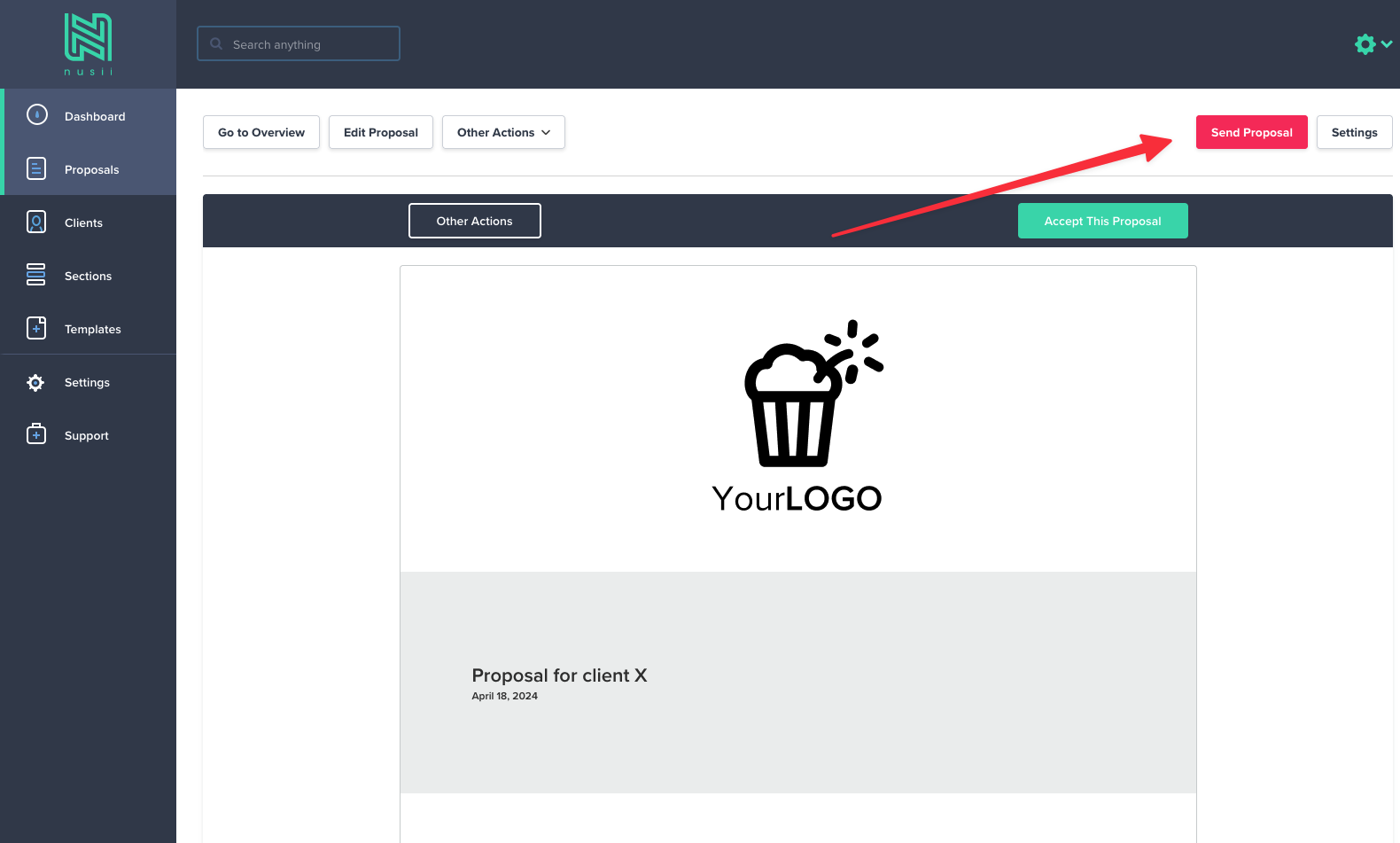
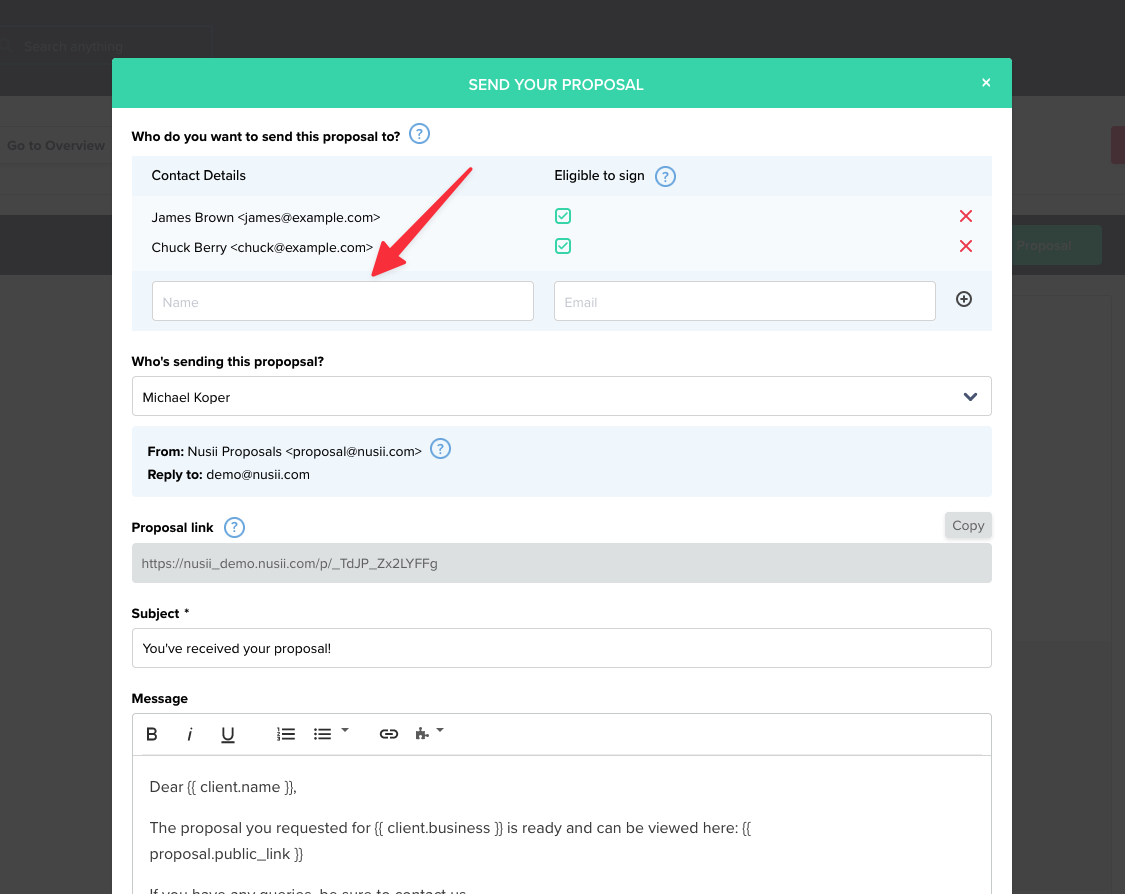
Add one or more recipients to your proposal.
Add the recipients you’d like and tick Eligible to sign for everyone who needs to sign. Each recipient gets their own link to the proposal.
More than one eligible signer needs the Business plan. On the Freelancer and Agency plans, one recipient can be eligible to sign, and you’ll see an Upgrade to select multiple signees link next to Eligible to sign.
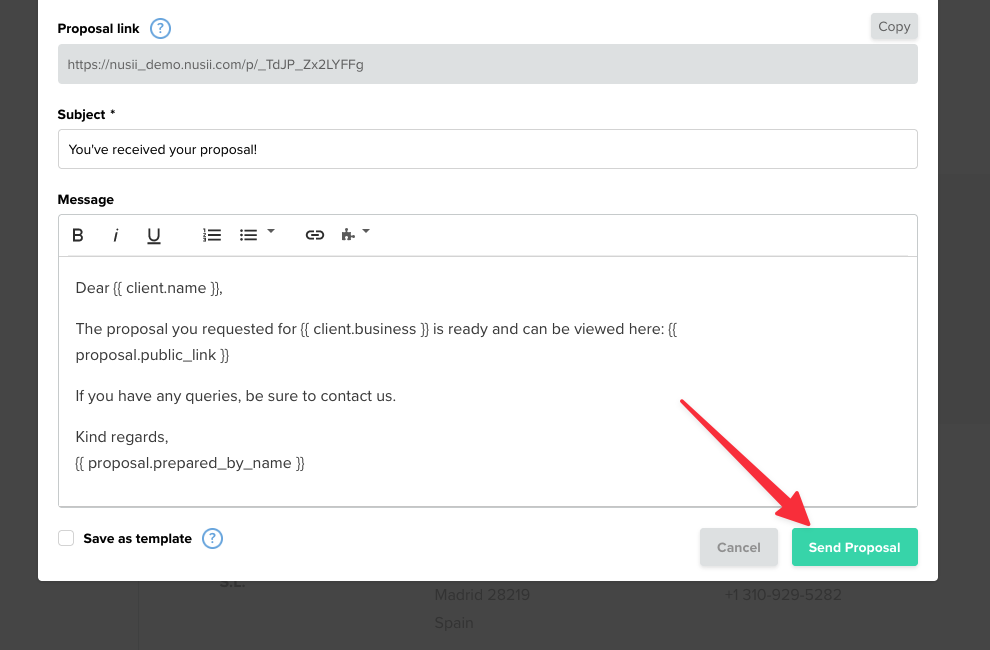
Click send proposal.
When all the recipients are added and you are ready to go, click Send Proposal
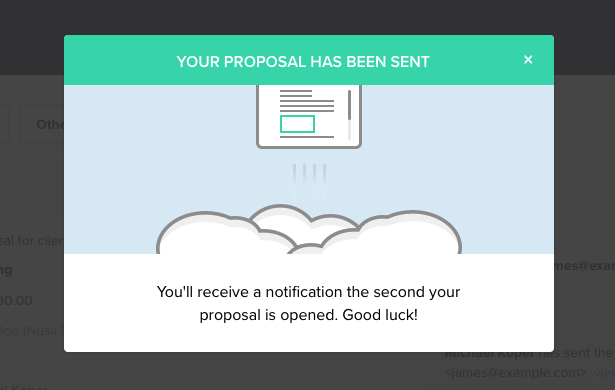
Congratulations! Your proposal has been sent. You can now track the status of the proposal from the proposal overview.
Track the Proposal
Once the proposal is sent, you can track the status of the proposal from the proposal overview. After sending the proposal, Nusii will automatically track any interactions with it. You can monitor when your client opens the email or views the proposal from the ‘Proposal overview’.
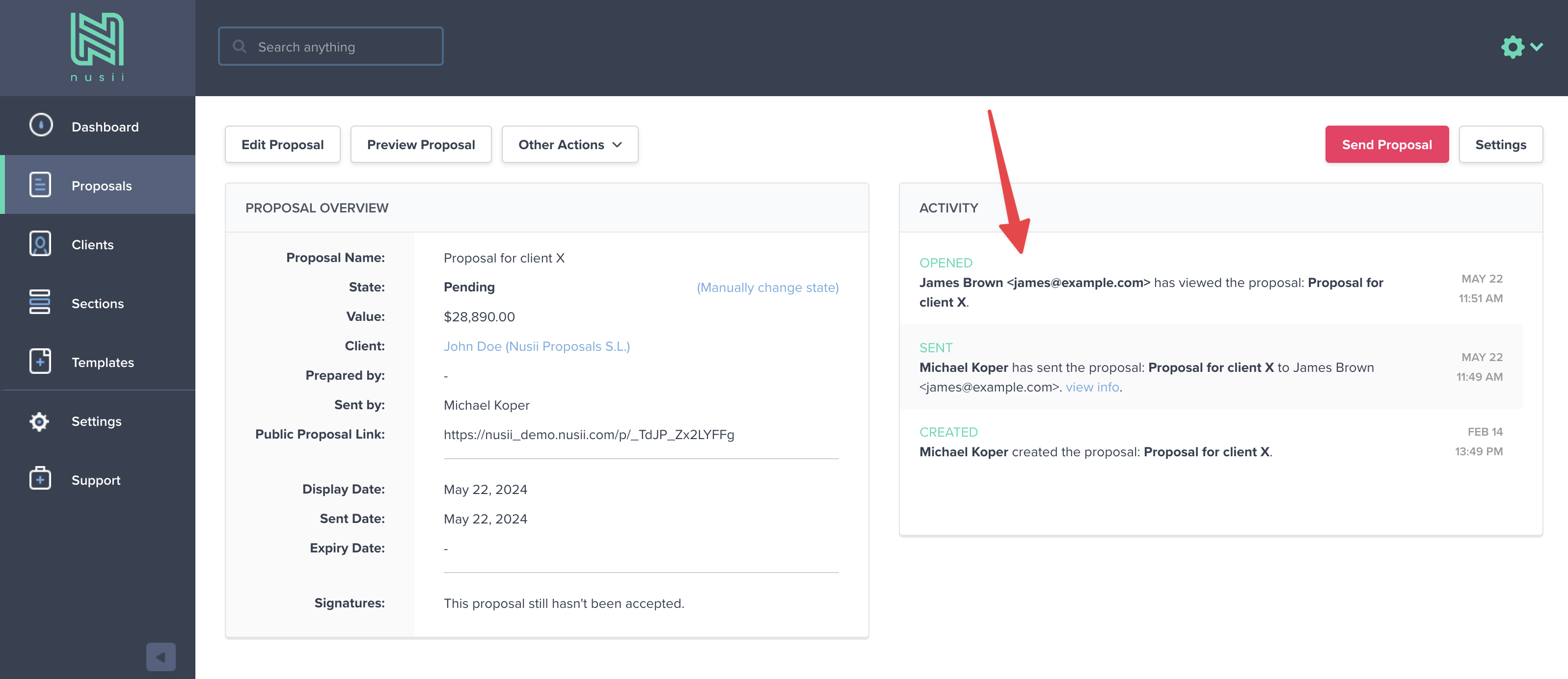
Good luck with your proposal! If you’d rather send the proposal link yourself, see Accept button missing? Your proposal is still a Draft.
Related Articles
If you have any questions, just ping us below. We’ll be happy to help!