



Multiple Accounts with One Login
Run more than one business? Or are you a consultant who writes proposals for several clients, each with their own Nusii account? You can be part of several Nusii accounts with one login: the same email address and the same password. You switch between them from the menu, without logging out.
Each account stays completely separate, with its own proposals, clients, team, plan and billing.
Switch between accounts
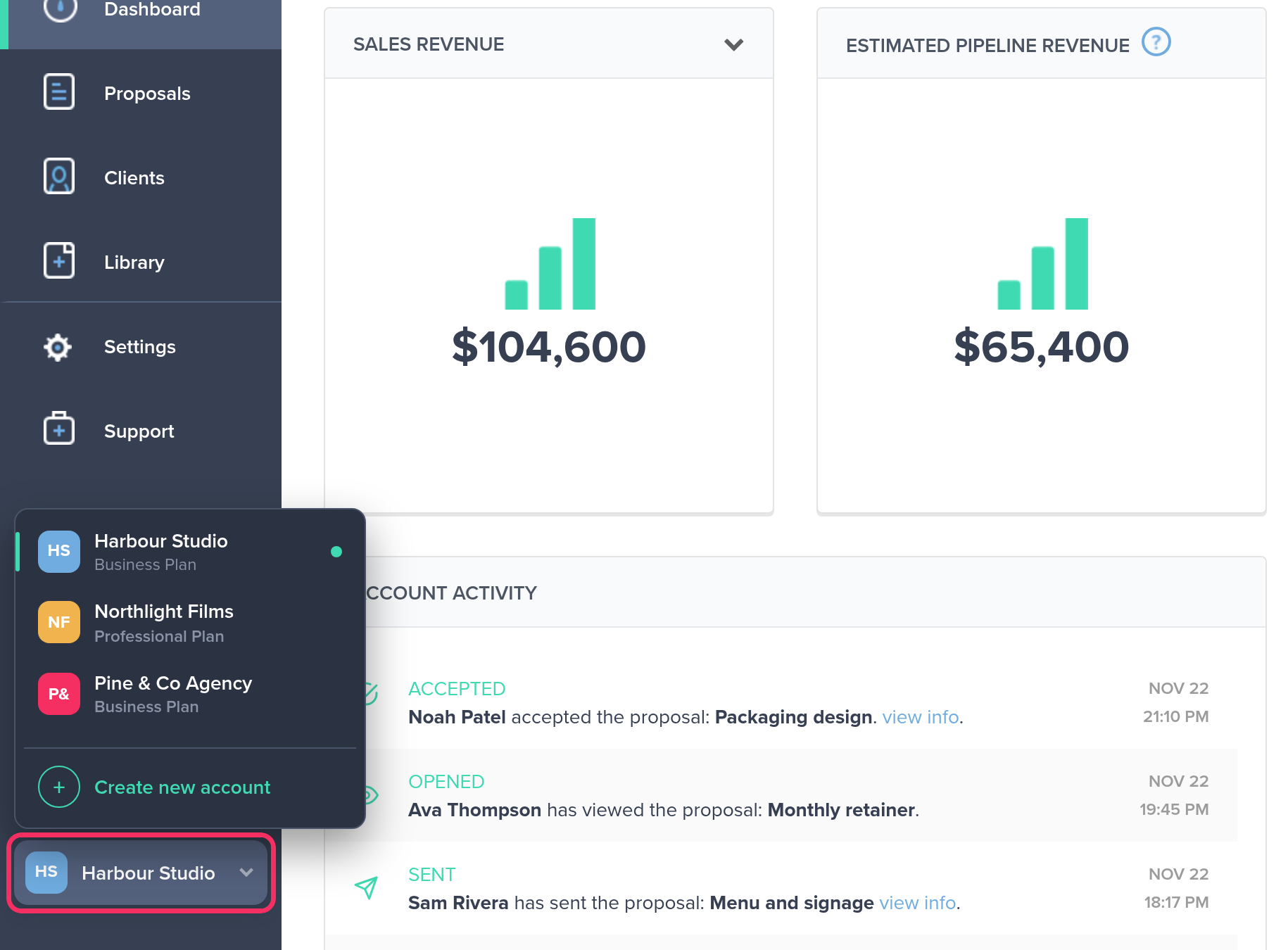
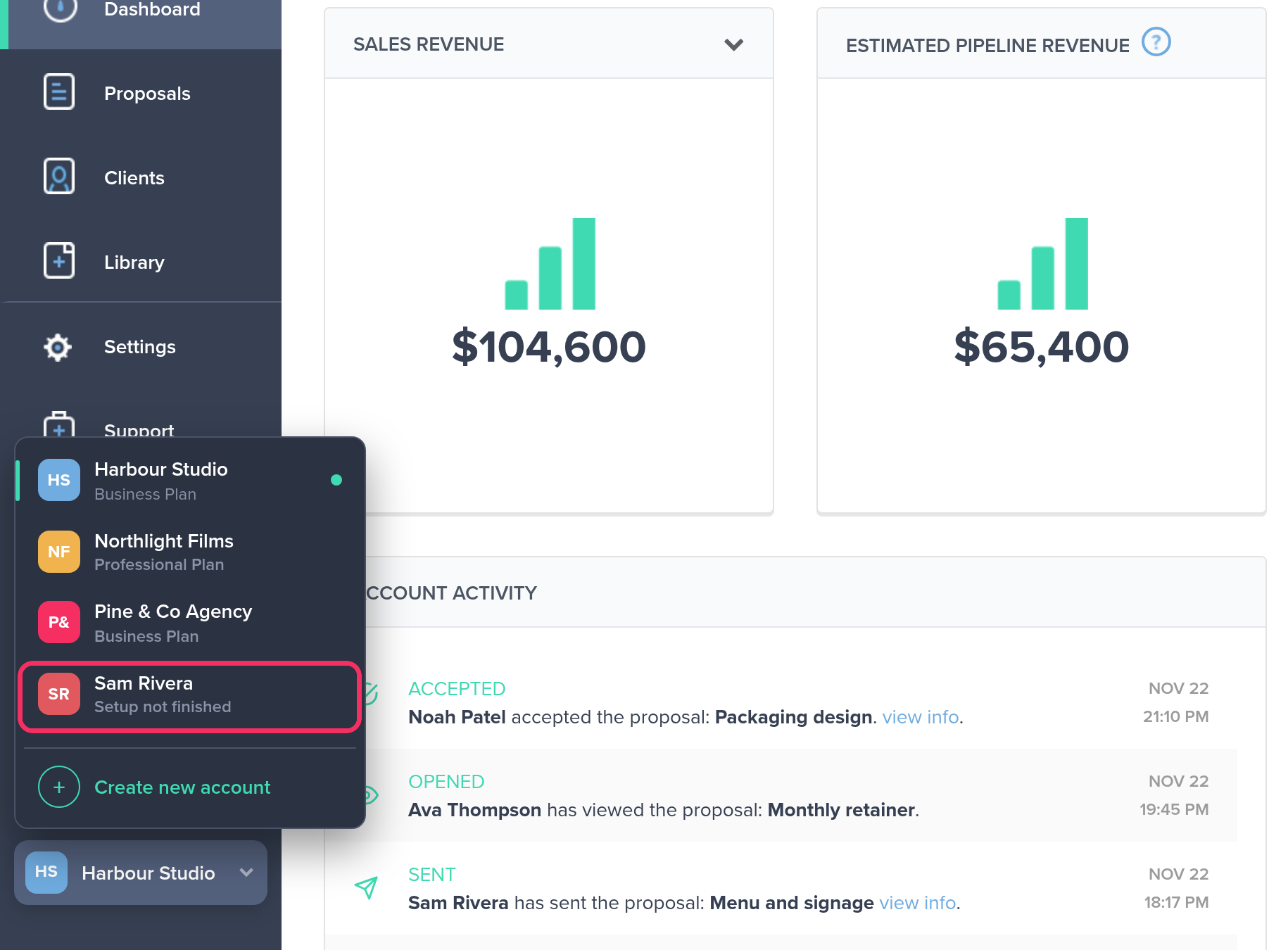
At the bottom of the left-hand menu you’ll find a card with the name of the account you’re working in. Click it to see all your accounts, each with its plan. The green dot shows the one you’re in.
Click another account to switch to it. Nusii opens that account’s dashboard and confirms with “Switched to Northlight Films.” The card at the bottom of the menu now shows the account you’re in.
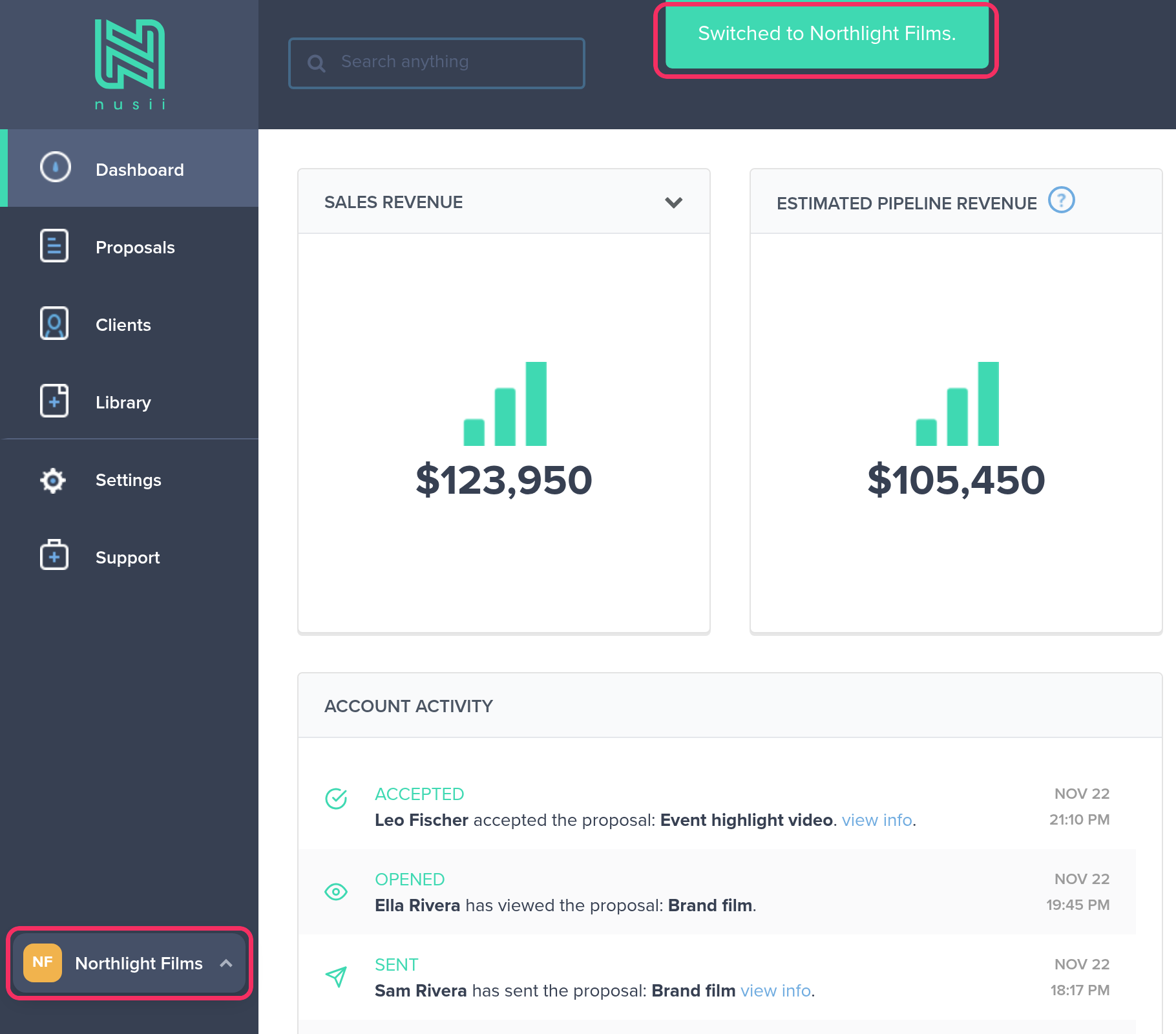
You see the card even when you have only one account. That’s where you start a second one.
Start a new account
Click the card at the bottom of the menu, then Create new account. It takes three steps.
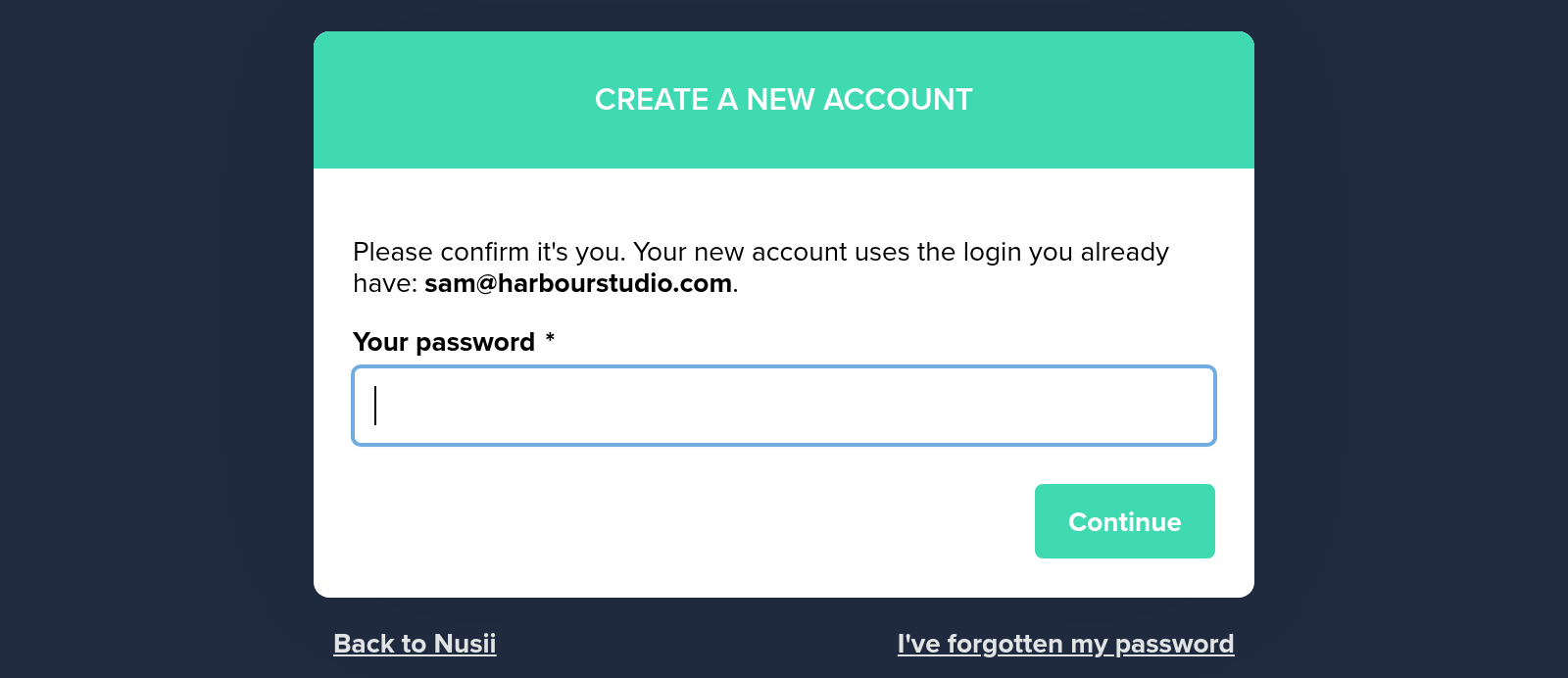
1. Confirm your password. If you haven’t entered your password in the last 15 minutes, Nusii asks for it first. A new account means a new card on file, so we want to be sure it’s really you. The new account uses the login you already have.
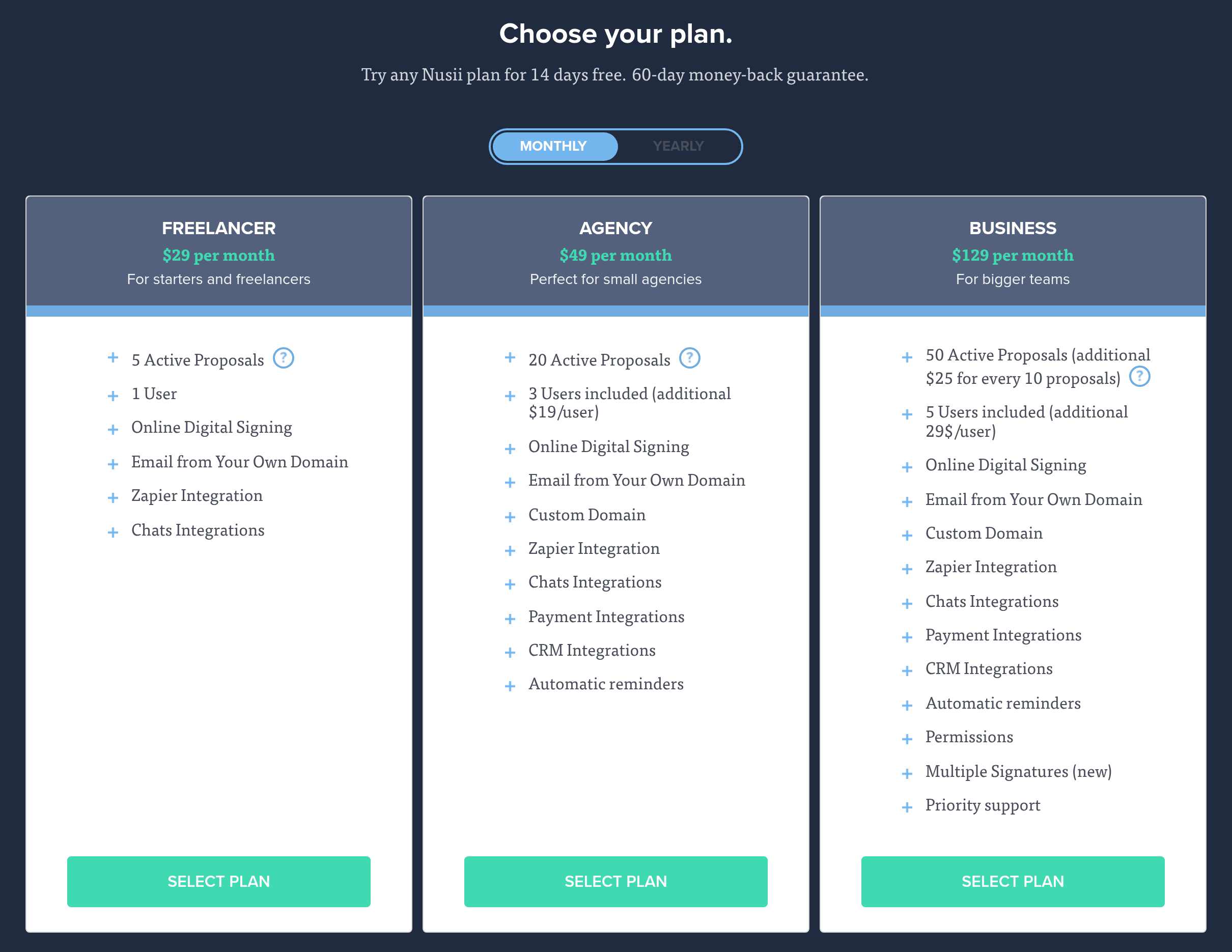
2. Choose your plan. Pick Freelancer, Agency or Business, billed monthly or yearly. Every new account starts with a 14-day free trial.
3. Add your card. Like every Nusii account, the new one needs a credit card. Nusii fills in your country and VAT number from an account you own, so change them if the new account is for a different company.
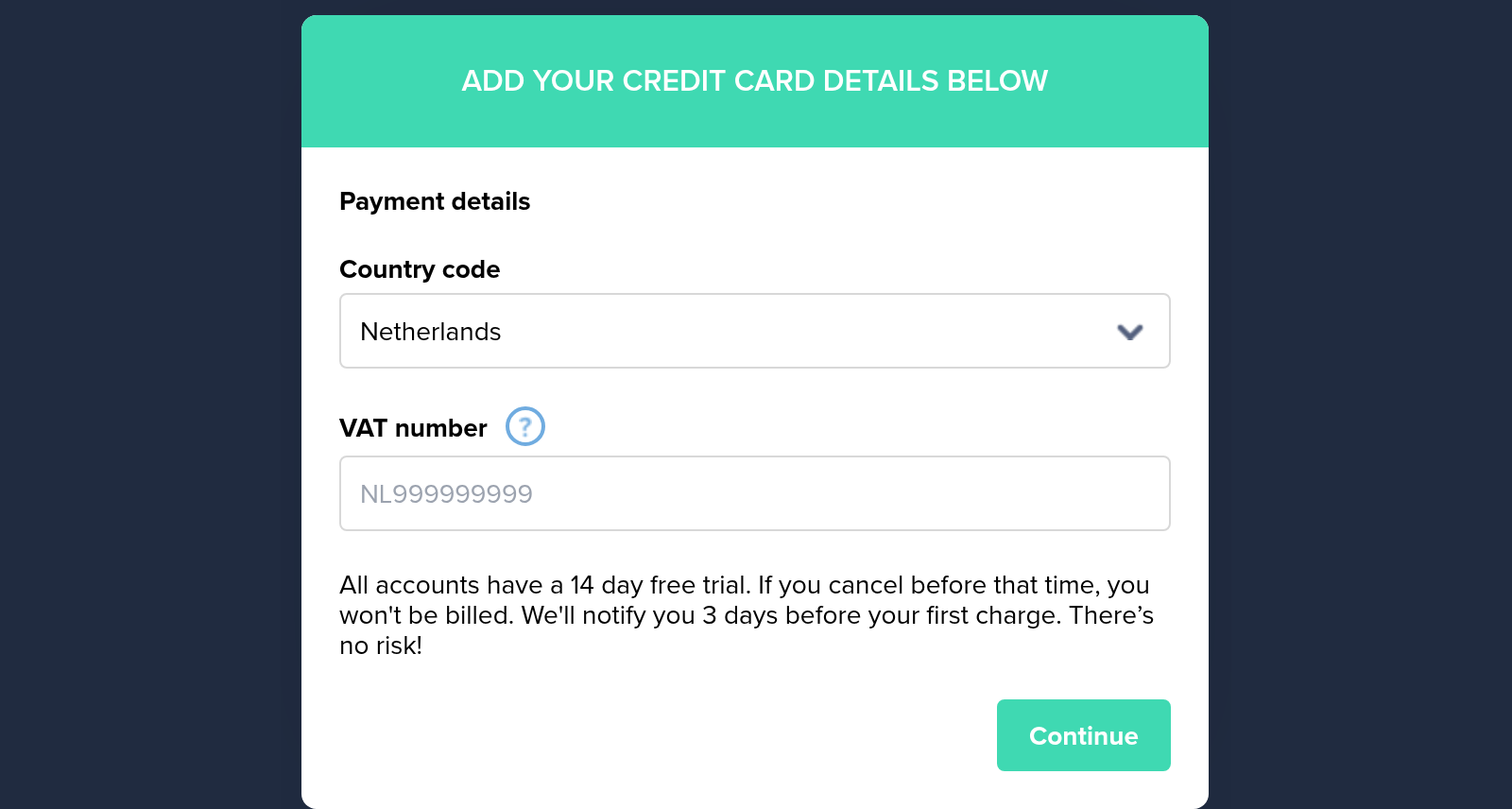
Changed your mind? Click the Cancel and go back link under the card form to return to your other account.
Each account has its own plan, card and invoices, so you upgrade, change cards or cancel one account without touching the others. See Plans, Billing and Invoices.
Finish an account later
Left before adding your card? The new account shows in the switcher as Setup not finished. It has no name yet, so it shows your own name. Click it to pick up at the card step.
While one of your accounts is under review or suspended, you can’t create a new one. Email us at support@nusii.com and we’ll help you out.
Join another account with your login
Someone in the other account invites you from Settings › Team Members, just like any team member (see Team Members). Ask them to use the email address you already log in with.
If that address has a Nusii login, the invitation email is called You’re invited to join [account] on Nusii. You accept it by logging in with your existing login. You keep your other accounts and can work in all of them, with no second email address or password.
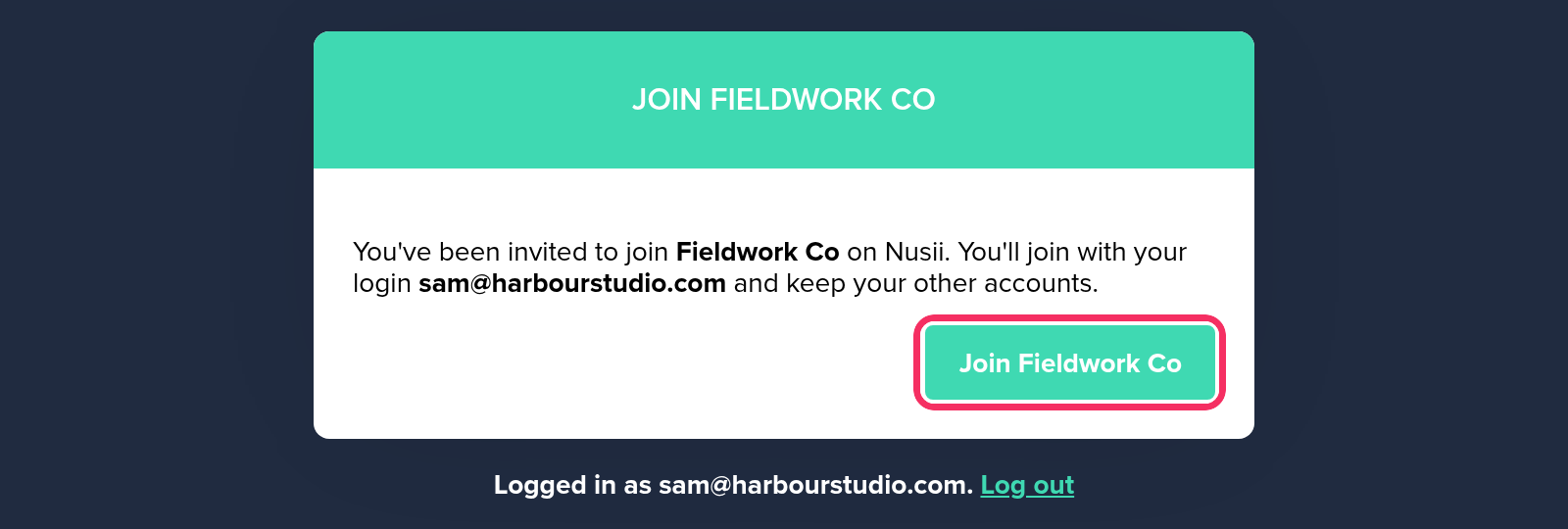
Already logged in? The link opens a Join page that shows the login you’ll join with. Click the button and the account is added to your switcher.
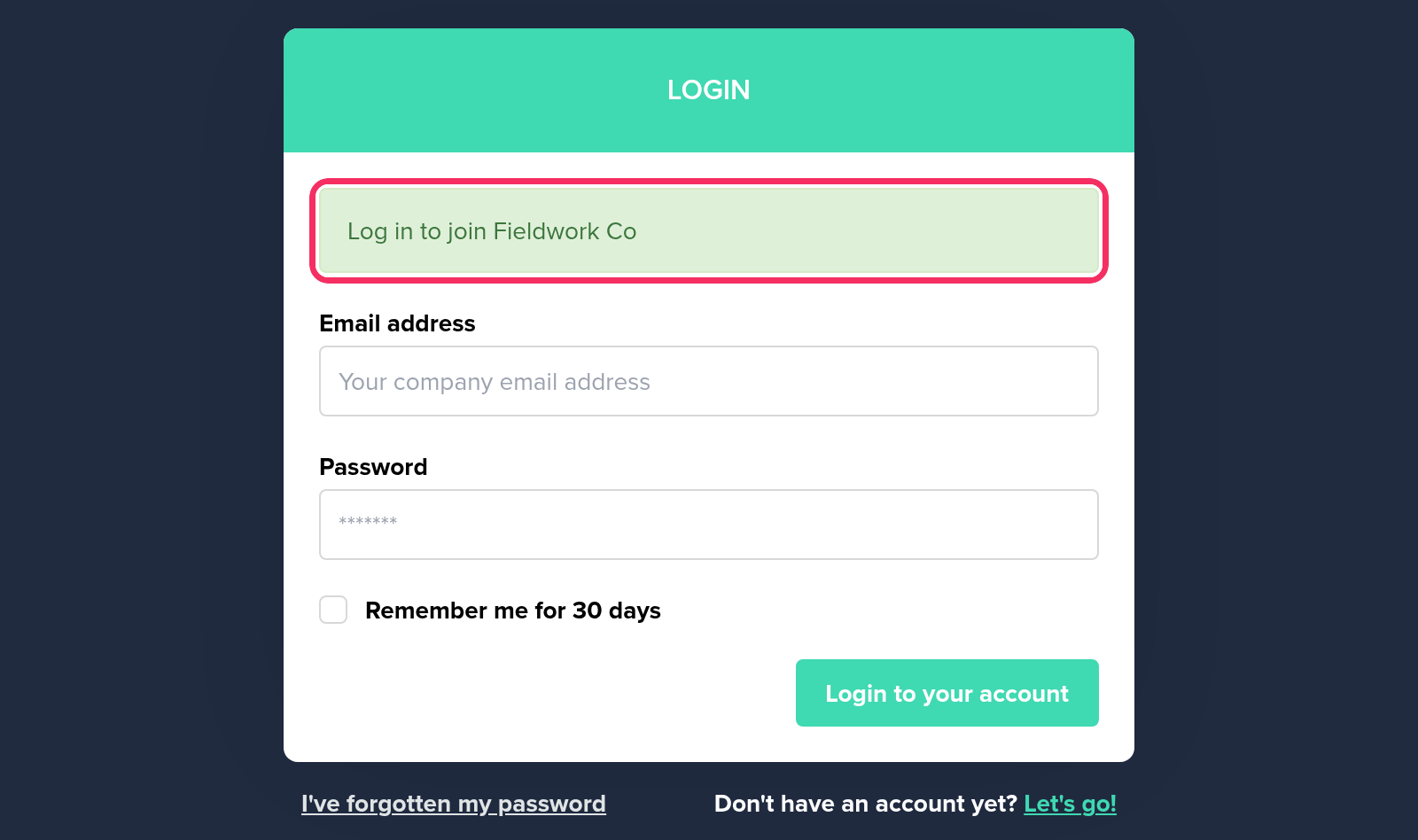
Logged out? The link opens the login page with “Log in to join Fieldwork Co”. Log in with your usual email and password and you’re in.
What’s separate in each account
Your email address and password are the same everywhere. Everything else belongs to one account:
- Proposals, clients and templates. You only see the ones of the account you’re in.
- Team and permissions. You can be the owner of one account and a team member in another.
- Plan, card and invoices. Each account is billed on its own.
- Notification settings. Choose per account which emails you get. See Notifications and Follow-up Reminders.
- API tokens. A token works for the account it was created in. See Nusii API and webhooks.
When an account is no longer available
If the account you were working in goes away (you were removed from its team, or it was cancelled or suspended), Nusii doesn’t drop you into one of your other accounts. You see a Choose an account page with the accounts you still have, and you pick where to continue. You can also create a new account from there.
Related Articles
If you have any questions, just ping us below. We’ll be happy to help!